10 Best Free Email Providers for Personal Use (2026)

Gmail is the best free email for most people. Proton Mail and Tuta are better for privacy. Outlook.com suits Microsoft users, and iCloud Mail suits Apple users. If you want the most free space, look at GMX or Mail.com.
Free email changed in the last year, so old lists are often wrong. The biggest change: Yahoo Mail cut its free storage from 1 TB to 20 GB. Many “best free email” pages still show the old number.
Quick picks
| Your need | Best pick |
|---|---|
| Best all-round | Gmail |
| Microsoft apps and Windows | Outlook.com |
| Privacy (best free plan) | Proton Mail |
| Privacy (simple alternative) | Tuta Mail |
| Apple devices | iCloud Mail |
| Most free space | GMX or Mail.com |
| Ad-free and clean | Zoho Mail |
| Big free inbox with ads | Yahoo Mail or AOL Mail |
Full comparison table
| Provider | Free storage | Attachment limit | Ads | Best for |
|---|---|---|---|---|
| Gmail | 15 GB, shared with Drive and Photos | 25 MB | Yes. | Most people |
| Outlook.com | 15 GB mail + 5 GB cloud | 20–25 MB | Yes. | Microsoft users |
| Proton Mail | 500 MB, up to 1 GB | 25 MB | No | Privacy |
| Yahoo Mail | 20 GB (15 GB in the UK/EU) | 25 MB | Yes. | Big inbox |
| iCloud Mail | 5 GB, shared with iCloud | 20 MB (Mail Drop for larger files) | No | Apple users |
| Tuta Mail | 1 GB | 25 MB | No | Encrypted email |
| Zoho Mail | 5 GB per user | 25 MB | No | Ad-free web email |
| GMX Mail | 65 GB | 50 MB | Yes. | Large files |
| AOL Mail | 250 GB–1 TB (sources differ) | 25 MB | Yes. | Simple email |
| Mail.com | 65 GB | 30 MB | Yes. | Address choice |
Plans change often. Check the provider’s page before you sign up.
How we picked
We compared each provider on six points: free storage, attachment limit, privacy and ads, security tools, apps and app support, and how easy it is to use daily. We checked plan details against provider help pages and pricing pages on September 30, 2026.
1. Gmail: best overall
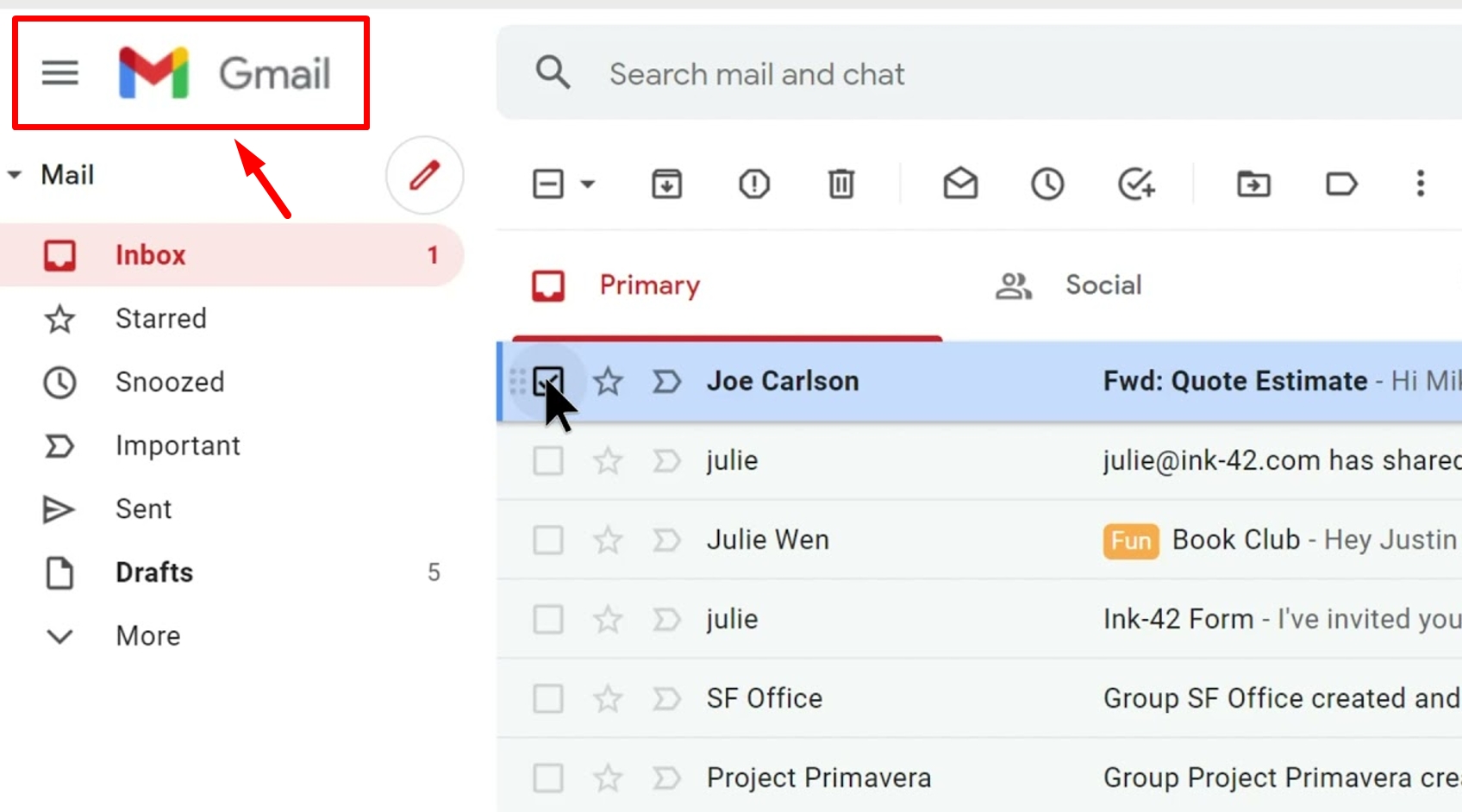
Free storage: 15 GB, shared. Attachments: 25 MB.
Gmail is the easiest pick for most people. It has strong search, good spam filtering, and apps for every phone and computer. It also works well with Google Calendar, Drive, Meet, and Photos.
Good: Best search of the group. Easy setup. Works everywhere.
Bad: The 15 GB is shared. Photos and Drive files use the same space as your email. Ads and data use are part of the deal.
Know this: Google deletes accounts that have been inactive for two years. Sign in from time to time.
Best for: One main address for shopping, travel, and daily life.
Related: AOL Mail or Gmail? · Gmail or Outlook?
2. Outlook.com: best for Microsoft users
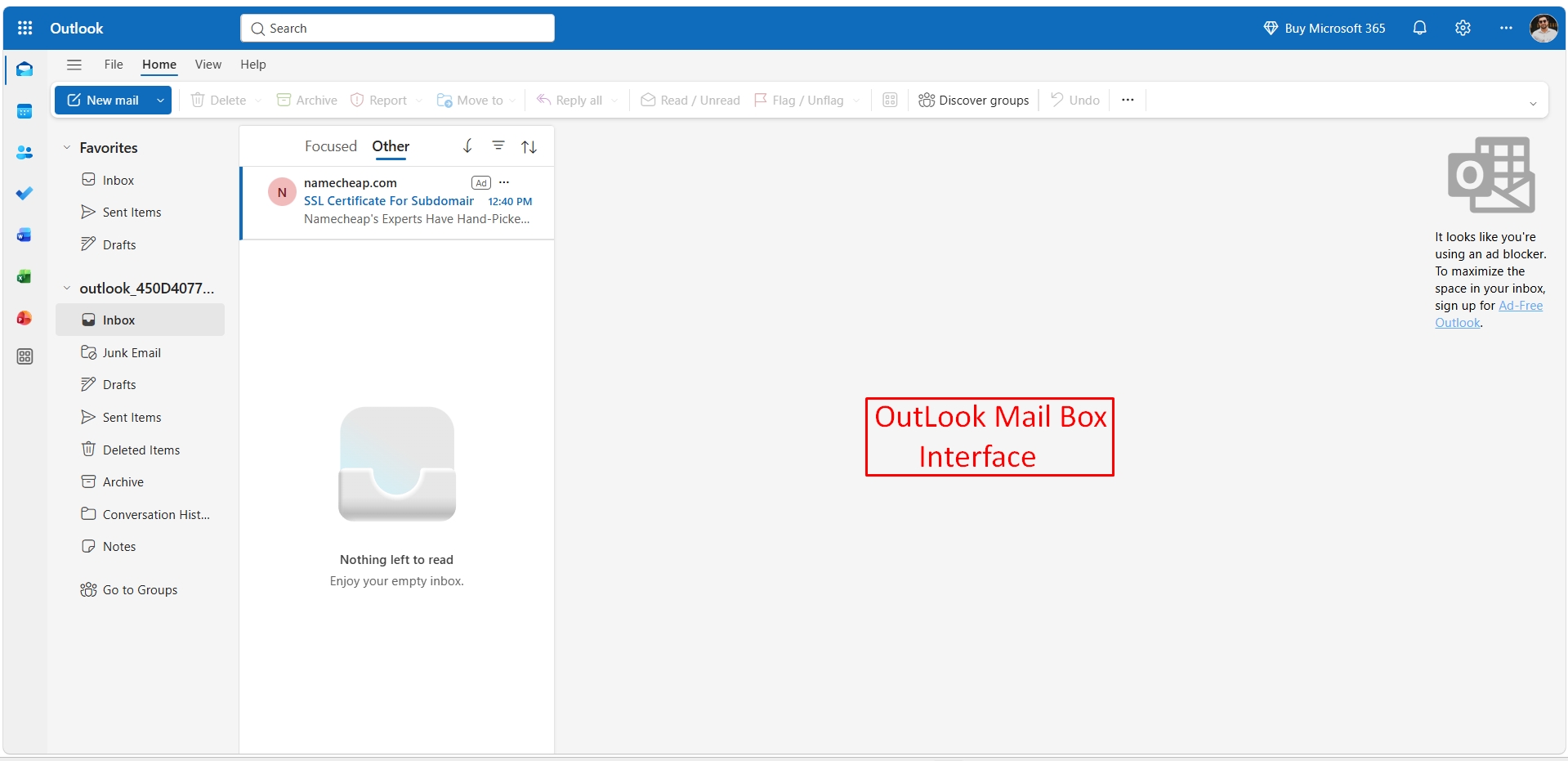
Free storage: 15 GB mail plus 5 GB cloud. Attachments: about 20–25 MB.
You get 15 GB of free Outlook.com email storage, separate from your Microsoft cloud storage. You also get 5 GB of free cloud storage shared across OneDrive files and photos, Outlook.com attachments, and Microsoft 365 apps
That second number matters. If the 5 GB cloud space fills up, you will not be able to send or receive email in Outlook.com, even if you have not used your email quota.
Good: Clean layout, built-in calendar, good Word, Excel, and OneDrive links.
Bad: Your mail can stop when the cloud space is full. Ads in the free plan.
Best for: People who use Windows, Word, Excel, or OneDrive.
3. Proton Mail: best free plan for privacy
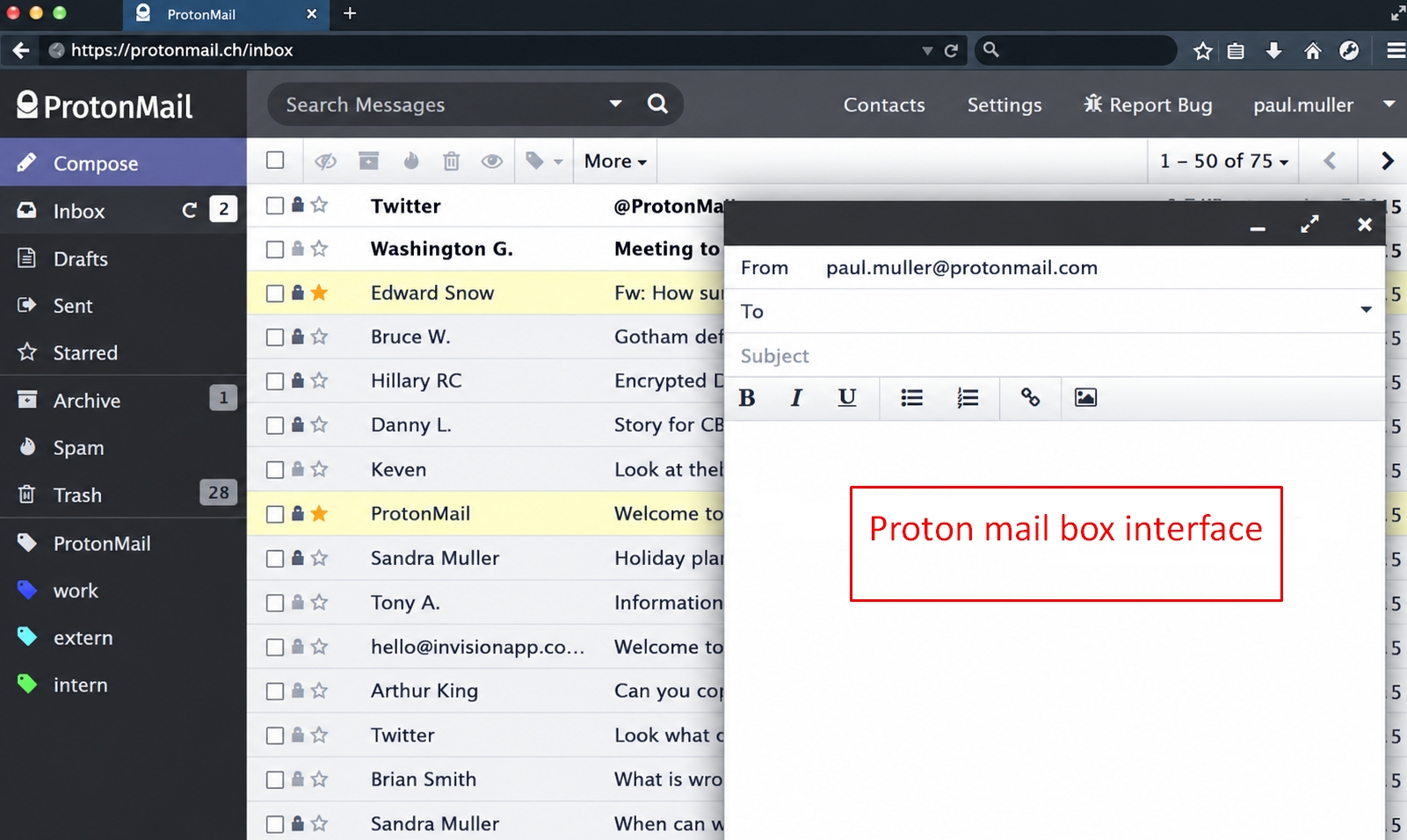
Free storage: 500 MB, up to 1 GB. Attachments: 25 MB.
The Proton Mail Free plan comes with 500 MB of mail storage, which you can increase up to 1 GB by completing the Get started with Proton checklist. The tasks include importing mail and contacts, sending a first message, adding a recovery method, and installing the mobile app.
The free plan is small on purpose. It includes 1 encrypted email address and 150 messages per day. Proton also shows no ads and uses end-to-end and zero-access encryption.
Good: No ads. Strong privacy. Good apps.
Bad: Small storage, one address, and a daily send limit. Paid Mail Plus gives 15 GB.
Best for: A private inbox for sensitive accounts.
Related: Hey, email or ProtonMail?
4. Yahoo Mail: big inbox, but not 1 TB anymore
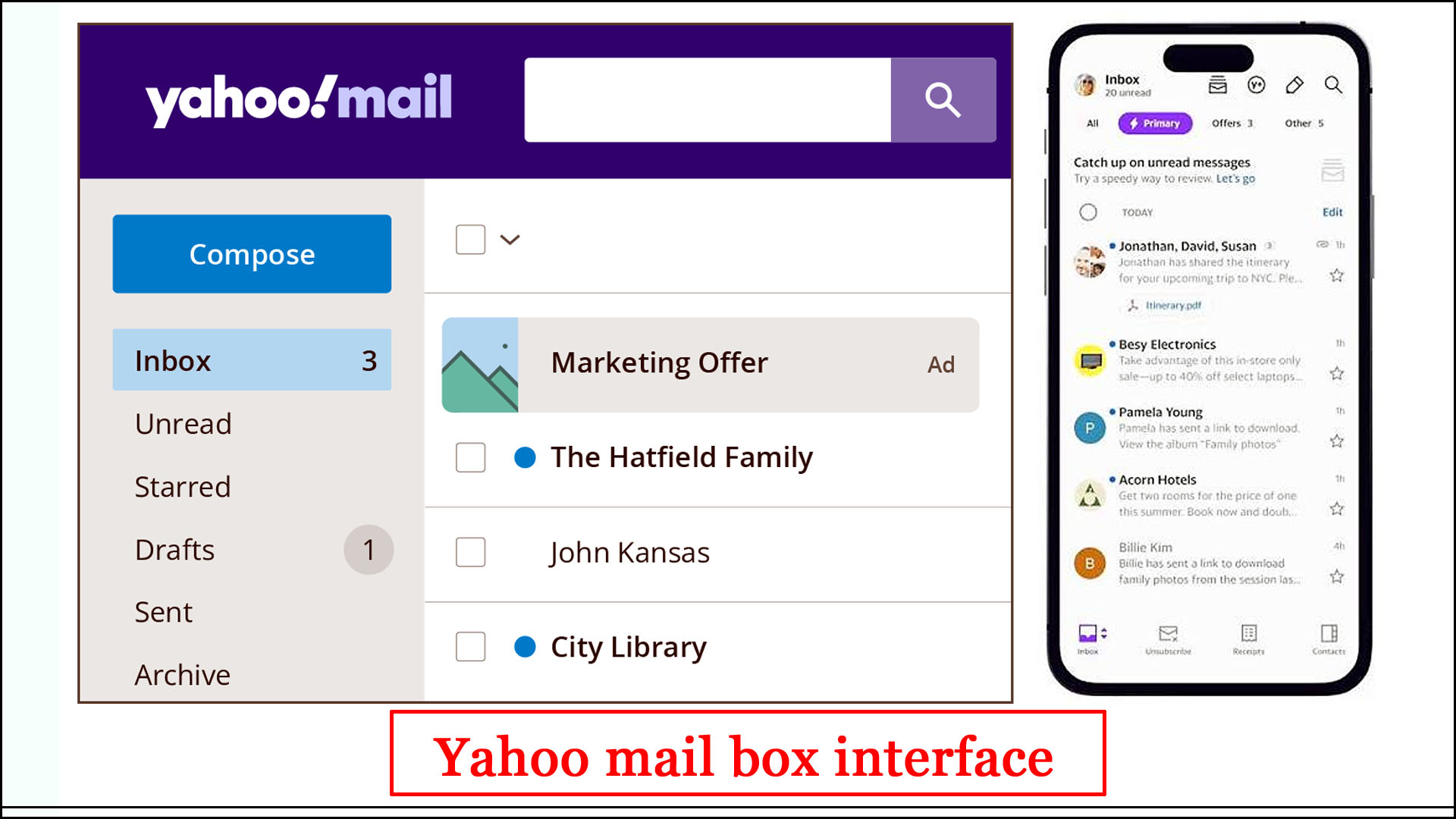
Free storage: 20 GB (US and Canada), 15 GB (UK and EU). Attachments: 25 MB.
Yahoo still gives more room than Gmail or Outlook. But the old 1 TB is gone. Go over the limit, and you stop receiving mail until you clear space. The paid plan, Yahoo Mail Plus, gives 200 GB for about $5 a month.
Good: 20 GB is all mail, not shared with photos. Many folders and filters.
Bad: Ads. The full mailbox stops new mail. Some reports say Yahoo closes accounts after about 12 months without use.
Best for: People who keep years of mail and want a large mailbox.
Related: Gmail or Yahoo Mail? · Yahoo Mail or Outlook?
5. iCloud Mail: best for Apple users
Free storage: 5 GB, shared. Attachments: 20 MB.
iCloud Mail is built into iPhone, iPad, and Mac. The 5 GB also holds iCloud backups, photos, and files, so it fills fast. Mail Drop helps with large attachments.
Good: Simple, no ads, works with Apple Mail.
Bad: Small shared space. Less useful on Android or Windows.
Best for: People who only use Apple devices.
Related: Gmail or iCloud Mail?
6. Tuta Mail: simple encrypted email
Free storage: 1 GB. Attachments: 25 MB.
Tuta’s free plan gives 1 GB of storage, 1 calendar, and 3 labels. It has no ads and encrypts your mail and calendar. Free addresses can end in @tutamail.com, @tutanota.com, @tutanota.de, @tuta.io, or @keemail.me. The paid Revolutionary plan gives 20 GB for about €3 a month.
Good: Encrypted calendar, no ads, open-source code.
Bad: Small storage, only 3 labels, fewer app links.
Best for: Privacy fans who want a simple interface.
7. Zoho Mail: clean and ad-free
Free storage: 5 GB per user. Attachments: 25 MB.
Zoho’s free plan is built more for small teams than for single users. You can add up to 5 users, host one domain for free with web-only access, and each user gets up to 5 GB.
The free plan is available only in selected data centers and may not be accessible in all regions.
The big limit: the free plan does not include IMAP or POP access, so you cannot connect Outlook, Apple Mail, or Thunderbird. Paid Mail Lite starts at about $1 per user per month.
Good: No ads, custom domain on the free plan.
Bad: Web and app only. Not open in every region.
Best for: A clean ad-free inbox or a free custom-domain address.
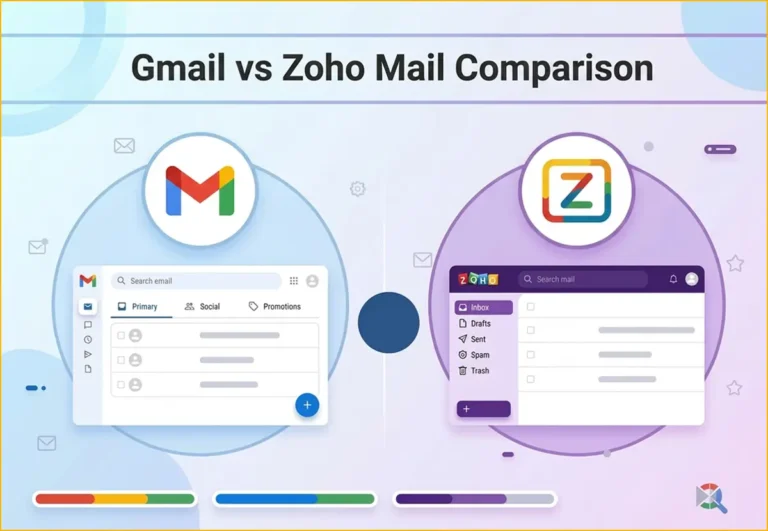
Related: Gmail or Zoho Mail?
8. GMX Mail: big storage, big attachments
Free storage: 65 GB. Attachments: 50 MB.
GMX gives more space than Gmail and allows attachments twice as large. The design is older and has ads.
Good: 65 GB and 50 MB attachments.
Bad: Ads, less polish, fewer app links.
Best for: A second account for large files.
9. AOL Mail: simple and old-school
Free storage: 250 GB to 1 TB (sources differ). Attachments: 25 MB.
AOL does not show one clear storage number. Recent guides list between 250 GB and 1 TB. Its limits are best for long-term archiving. It is not suited to a daily inbox because of weak organization tools. Ads are heavy. The ad-free upgrade starts near $4.99 a month.
Good: Very large mailbox, familiar layout.
Bad: Unclear limits, ads, and few extra tools.
Best for: An old address or a mail archive.
10. Mail.com: many address choices
Free storage: 65 GB. Attachments: 30 MB.
Mail.com lets you pick from many domain endings, such as ones linked to jobs, hobbies, and places. This helps when your name is taken on Gmail or Outlook.
Good: Many domain choices and a big mailbox.
Bad: Ads and fewer app links.
Best for: A short, memorable address.
How to choose
- You want one address for everything: Gmail.
- You use Word, Excel, and OneDrive: Outlook.com.
- Privacy matters most: Proton Mail, or Tuta if you want more room in a simple design.
- You use only Apple devices: iCloud Mail.
- You send big files: GMX (50 MB) or Mail.com (30 MB).
- You hate ads: Proton, Tuta, Zoho, or iCloud.
What to check before you sign up
- Is storage shared? Gmail, iCloud, and Outlook’s cloud space all share space with files and photos.
- What happens when it is full? With Yahoo and Outlook, mail stops arriving.
- Attachment limit. Most services stop at 20–25 MB. Use a cloud link for bigger files.
- App support (IMAP). Zoho’s free plan and Proton’s free plan do not work with other mail apps.
- Inactivity rules. Google and Microsoft both use two-year rules. Yahoo is reported to be at about one year. Sign in at least once a year.
Free vs. paid email
| Provider | Paid plan | What you get |
|---|---|---|
| Proton Mail Plus | about $4/month | 15 GB, 10 addresses, custom domain |
| Tuta Revolutionary | about €3/month | 20 GB, more labels, aliases |
| Yahoo Mail Plus | about $5/month | 200 GB, no ads |
| AOL Mail | from about $4.99/month | No ads |
| Zoho Mail Lite | about $1/user/month | IMAP/POP, more tools |
| Microsoft 365 | paid plan | 100 GB mailbox, no ads |
Prices change. Check the current price on each site.
Keep your account safe.
Your email address resets the password for almost every other account. So it is your most important account. Do these four things:
- Use a long, unique password.
- Turn on two-factor authentication (or a passkey if offered).
- Add a recovery email or phone number.
- Do not click links in surprise messages, even if they look real.
Should you use more than one address?
Yes. A simple setup works well:
- Main address: family, bank, travel, government.
- Shopping address: stores and receipts.
- Newsletter address: promotions and sign-ups.
This keeps your main inbox clean, and it costs nothing.
FAQ
Which free email is best for personal use?
Gmail, for most people. It has strong search, spam filtering, and apps.
Which free email gives the most storage?
GMX and Mail.com give 65 GB. AOL lists more, but sources differ on the exact number. Yahoo is no longer 1 TB.
Did Yahoo really cut its free storage?
Yes. It went from 1 TB to 20 GB for most users. The UK and EU limit is 15 GB from May 5, 2026.
Is Proton Mail better than Gmail?
For privacy, yes. For storage, search, and app links, Gmail is better.
What is the safest free email?
Proton Mail and Tuta are the most private. Gmail and Outlook have strong security tools too. Your habits matter most, so use two-factor authentication.
Do free email accounts get deleted?
They can. Google and Microsoft may delete accounts after two years of no use. Sign in and read an email now and then.
Final verdict
Pick Gmail if you want the easiest choice. Pick Proton Mail or Tuta if privacy matters more than space. Pick Outlook.com or iCloud Mail if you already live in Microsoft or Apple apps. Pick GMX or Mail.com if you need room for large files.
Tips: Before you sign up, check three things: storage, privacy, and the apps you already use.