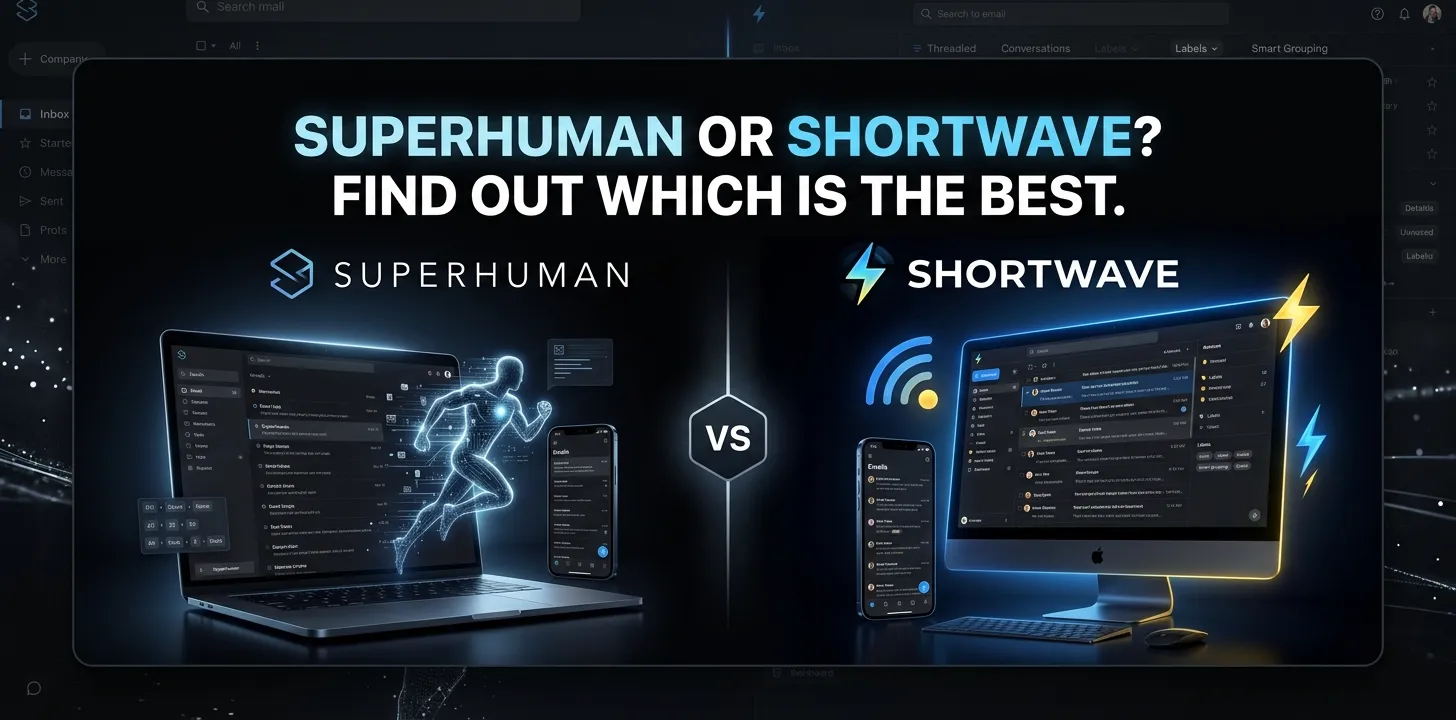
Superhuman or Shortwave? Find out which is the best

If you’re choosing between Superhuman and Shortwave, the better option depends mainly on how you use email. Shortwave is the stronger choice for Gmail users who want powerful AI search, inbox automation, and a generous free starting point. Superhuman is better for people who prioritize speed, keyboard-driven workflows, Outlook support, and advanced email productivity features.
Both are designed for people who have outgrown a standard Gmail inbox. But they take different approaches to solving the problem: Superhuman focuses heavily on making email faster to process, while Shortwave puts more emphasis on AI-assisted understanding, search, and automation.
Superhuman vs Shortwave at a Glance
| Feature | Superhuman | Shortwave |
|---|---|---|
| Best for | Fast, high-volume email workflows | AI-first Gmail workflows |
| Gmail support | Yes | Yes |
| Outlook support | Yes | No |
| Free plan | No for Mail | Yes |
| AI email writing | Yes | Yes |
| AI email search | Yes | Yes, a major focus |
| Inbox organization | Yes | Yes |
| Calendar tools | Yes | Yes |
| Keyboard-focused workflow | Excellent | Very good |
| AI integrations | Available | Extensive AI integrations |
| Mobile apps | iOS and Android | iOS and Android |
| Desktop | Mac and Windows | Mac and Windows |
| Starting paid Mail price | $25/month, billed annually | Free plan available; paid plans vary |
| Best reason to choose it | Speed and productivity | AI and Gmail-centric automation |
Superhuman Mail starts at $25 per member per month when billed annually, while Shortwave offers a free option along with paid plans.
The Biggest Difference Between Superhuman and Shortwave
The simplest way to understand the two products is to think about how they want you to work with your inbox.
Superhuman is built around speed. Its workflow emphasizes keyboard shortcuts, fast navigation, inbox organization, reminders, snippets, scheduling, and other tools that help you move through messages quickly.
Shortwave takes a more AI-centered approach. Its AI Assistant can search email history, analyze messages, write replies, organize inboxes, work with calendars, and connect with other applications.
That difference matters because the best app depends on what slows you down.
If you think, “I receive too many emails and need to process them faster,” Superhuman may make more sense.
If you think, “I have years of email and need AI to find and understand information for me,” Shortwave is more compelling.
Superhuman: Where It Makes the Most Sense
Superhuman is particularly attractive to people who treat email as a major part of their workday.
Its Mail product combines fast inbox navigation with features such as Split Inbox, snippets, reminders, scheduling, AI writing, AI summaries, auto labels, and team collaboration.
Speed and keyboard workflows
One of Superhuman’s biggest advantages is the way its interface is designed around fast interaction.
If you regularly process dozens or hundreds of messages, small delays and repeated mouse movements can add up. Superhuman gives you keyboard shortcuts and a command-driven workflow for common email actions.
This makes the most sense for people who are willing to learn the workflow rather than expecting the application to do everything automatically.
For example, imagine a sales professional starting the morning with a crowded inbox. Instead of opening every message individually and deciding what to do, they can use Superhuman’s inbox organization, shortcuts, reminders, and quick actions to work through messages rapidly.
Gmail and Outlook support
Platform support is another major reason to consider Superhuman.
Superhuman Mail supports both Gmail and Outlook, whereas Shortwave is built around Gmail.
That makes the choice much easier for someone who works primarily with Microsoft 365 or Outlook.
If your work email is Outlook-based, Shortwave may not be a practical alternative at all.
Shortwave: Where It Stands Out
Shortwave is especially interesting if AI is the main reason you’re looking for a new email client.
Its AI Assistant can search your email history, analyze conversations, draft messages, summarize threads, find information, interact with your calendar, and help organize your inbox.
AI-powered email search
This is one of Shortwave’s strongest areas.
Instead of remembering exactly which words appeared in an old email, you can ask for information in normal language. Shortwave’s AI-powered search can find relevant messages based on the meaning of the request, rather than relying only on traditional keyword matching.
For example, suppose you remember that a client sent you pricing information several months ago, but you don’t remember the subject line.
Instead of searching for a specific phrase, you could ask Shortwave to find emails related to that client’s pricing discussion.
That can be much more useful when you’re dealing with a large archive.
AI writing that uses your style
Shortwave also focuses heavily on personalized writing.
Its AI writing tools can use your previous sent emails to help produce drafts that better match your writing style. The AI Assistant can also rewrite, shorten, expand, or adjust drafts based on your instructions.
This is useful if you send many similar types of messages but don’t want every AI-generated email to sound generic.
Inbox organization
Shortwave uses inbox splits, bundles, labels, AI filters, and other organization tools to reduce the amount of email you have to manually process.
For someone whose biggest problem is email overload, this can be more useful than simply making individual email actions faster.
Superhuman vs Shortwave for AI
Both products now have substantial AI capabilities, so the question isn’t simply whether they have AI.
The more useful question is how you want to use AI.
| AI task | Superhuman | Shortwave |
|---|---|---|
| Draft emails | Yes | Yes |
| Summarize email | Yes | Yes |
| Search email with AI | Yes | Excellent |
| Inbox organization | Strong | Strong |
| AI personalization | Yes | Strong focus |
| Calendar assistance | Yes | Yes |
| AI integrations | Yes | Extensive |
| AI-driven workflow automation | Yes | Strong |
| Natural-language email questions | Yes | Excellent |
Shortwave’s Assistant is designed to handle multi-step requests involving email, calendar, and connected services. It can search for information, analyze the results, schedule meetings, and draft messages as part of a broader workflow.
Superhuman’s AI, meanwhile, is tightly integrated into its broader email productivity system, with features such as automated drafting, archiving, labeling, reminders, summaries, and AI-assisted replies depending on the plan.
So, if AI research and understanding your inbox are the priority, Shortwave has the stronger case.
If AI plus extremely fast email processing is the priority, Superhuman becomes more attractive.
Which Is Better for Gmail Users?
For a person who uses Gmail or Google Workspace exclusively, Shortwave deserves a serious look first.
Its free option reduces the risk of trying it, and its AI features are deeply tied to Gmail-based email workflows. Shortwave also supports multiple Gmail accounts and offers tools for inbox splitting, bundles, AI search, AI writing, and calendar management.
Superhuman can still be the better choice for a Gmail user who processes a very high volume of email and values speed above everything else.
Think of it this way:
- Gmail + AI search + automation → Shortwave
- Gmail + maximum processing speed → Superhuman
Which Is Better for Outlook?
Superhuman wins this category clearly.
Superhuman Mail supports Gmail and Outlook, while Shortwave is limited to Gmail.
So if your primary work account is Microsoft Outlook or Microsoft 365, Superhuman is the more logical choice between these two.
There’s little reason to choose an email client that doesn’t support the account you actually use.
Which Is Better for Email Productivity?
This depends on what “productivity” means to you.
Superhuman is excellent when productivity means processing more email in less time. Its interface, shortcuts, inbox splits, reminders, snippets, and quick actions are designed around rapid execution.
Shortwave is stronger when productivity means letting AI reduce the amount of thinking and searching you have to do.
Its Assistant can answer questions about your email, identify information, summarize conversations, draft messages, manage calendar tasks, and connect to other work tools.
A practical example
Imagine you have 500 unread emails after returning from a week away.
With Superhuman, the advantage is the speed at which you can sort, archive, reply, snooze, and prioritize those messages.
With Shortwave, you can ask the AI to identify important conversations, search for project updates, summarize groups of messages, and help determine what needs your attention.
Neither approach is automatically better. They solve different parts of the same problem.
Pricing: Superhuman vs Shortwave
Price is one of the biggest differences.
Superhuman Mail currently starts at $25 per member per month when billed annually. Its Business plan costs more and adds additional business-focused capabilities.
Shortwave has a free option, with paid Pro and Business plans for users who need more advanced capabilities.
That makes Shortwave easier to test without immediately committing to a relatively expensive subscription.
For a price-sensitive individual, Shortwave has the advantage.
For someone who considers email productivity a core business expense, Superhuman’s higher price may be easier to justify if its workflow actually saves significant time.
Which One Is Easier to Recommend?
For most people, the decision can be narrowed down to a few questions.
Choose Shortwave if you:
- Use Gmail or Google Workspace
- Want to try an email client for free
- Want strong AI search
- Frequently need information from old emails
- Want AI to analyze long conversations
- Like natural-language instructions
- Want AI integrations with other work tools
- Want help organizing a busy inbox
Shortwave’s AI Assistant is particularly well suited to people who want to ask their inbox questions rather than manually search through messages.
Choose Superhuman if you:
- Use Gmail or Outlook
- Process a high volume of email
- Prefer keyboard shortcuts
- Care heavily about interface speed
- Want a highly structured email workflow
- Need Outlook support
- Want advanced team email productivity features
- Are comfortable paying more for a premium email client
Superhuman’s Mail offering combines AI with email productivity, collaboration, calendar tools, and integrations rather than treating AI as the entire product.
Superhuman or Shortwave: Which Is Best?
Shortwave is the better overall pick for most Gmail users who want AI to do more of the work. Superhuman is the better choice for high-volume email users who care most about speed, keyboard-driven workflows, and Outlook support.
If you’re undecided and use Gmail, Shortwave is the easier starting point because you can try its free option before paying. If you already know that email speed is your main bottleneck—or you need Outlook—Superhuman is worth considering.
The important thing is not to choose based on the longest feature list. Choose the tool that solves the part of email that wastes the most time in your actual workday.
Frequently Asked Questions
Is Shortwave better than Superhuman?
Shortwave is better for Gmail users who prioritize AI search, email analysis, and automation. Superhuman is better for users who prioritize speed, keyboard workflows, and Outlook support.
Does Superhuman work with Outlook?
Yes. Superhuman Mail supports both Gmail and Outlook, which gives it an important advantage for Microsoft 365 users. Shortwave is designed around Gmail.
Is Shortwave free to use?
Yes. Shortwave offers a free option, while paid plans provide access to additional capabilities. This makes it easier to test Shortwave before committing to a subscription.
The Bottom Line
Superhuman and Shortwave are both strong choices, but they are built around different ideas.
Pick Shortwave if you want an AI-first Gmail experience. Pick Superhuman if you want a premium email client built around speed and fast execution.
Before paying for either one, spend a few days using the workflow with your real inbox. The best email client is the one that makes your most common tasks noticeably easier—not the one with the longest feature list.