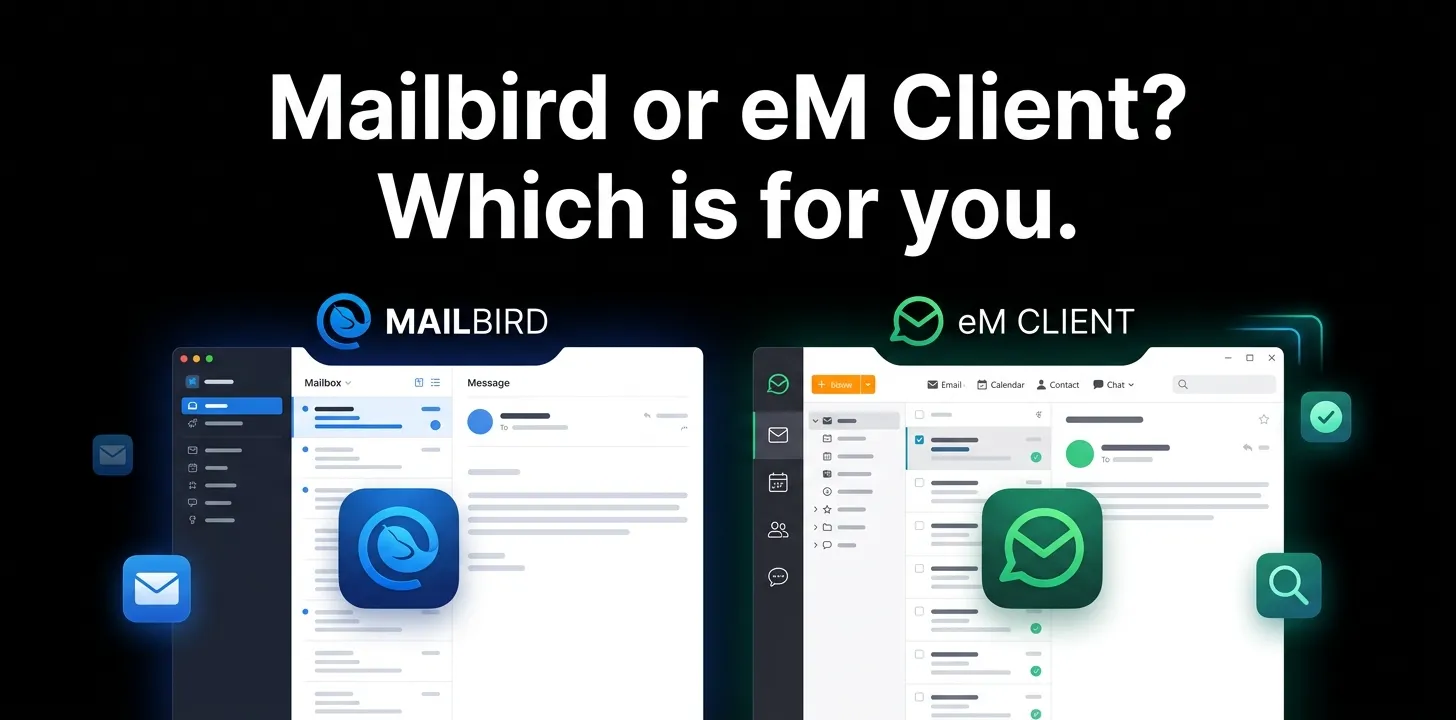
Mailbird or eM Client? Which is for you

Mailbird and eM Client are both desktop email apps for managing multiple email accounts, but they take different approaches. Mailbird is better for people who want a clean interface, Unified Inbox, and integrations with other apps. eM Client is better if you want email combined with calendars, tasks, contacts, notes, mobile apps, and built-in encryption.
If you’re trying to decide between them, the right choice depends less on which app has more features and more on how you actually handle email every day.
| Mailbird | eM Client | |
|---|---|---|
| Best for | Simple, email-focused workflows | All-in-one productivity |
| Unified Inbox | Yes | Yes |
| Calendar | Integration-based | Built in |
| Tasks | Integration-based | Built in |
| Contacts | Yes | Built in |
| Notes | Limited | Yes |
| App integrations | Strong | More focused on built-in tools |
| PGP/S/MIME | No built-in support | Yes |
| Windows | Yes | Yes |
| macOS | Yes | Yes |
| iPhone/Android app | No | Yes |
| Free accounts | 1 | 2 |
| Paid accounts | Unlimited on Premium | Unlimited on paid plans |
Mailbird vs eM Client: The Biggest Difference
The easiest way to understand these two apps is to look at their design philosophy.
Mailbird is primarily an email workspace. Its Unified Inbox puts messages from multiple accounts into one view, while integrations let you bring services such as Google Calendar, Slack, Dropbox, and Asana into the same environment.
eM Client is closer to a complete communication and productivity suite. Email, calendar, contacts, tasks, notes, chat, rules, backups, encryption, and other tools are built into the application.
That distinction matters because you can end up happier with the simpler application even when the other one has a longer feature list.
Choose Mailbird If You Want a Cleaner Email-First Experience
Mailbird makes the most sense if email is the center of your workflow and you don’t want a large collection of built-in productivity features.
Its Unified Inbox is one of its strongest advantages. Once multiple accounts are connected, Mailbird can display their messages together, allowing you to read and search across accounts without repeatedly switching between inboxes.
For example, imagine you have:
- A Gmail account for personal email
- An Outlook account for work
- A separate address for online purchases
Instead of checking three inboxes, Mailbird can bring those messages into one view.
That’s particularly useful if your main complaint is too many inboxes rather than too few productivity tools.
Mailbird is also useful if you rely on web apps
Mailbird takes a modular approach to productivity. Its integrations can put services such as Slack, Google Calendar, Dropbox, and Asana alongside your email workflow.
This can be a better fit than having email, calendar, messaging, and task applications open in separate browser tabs.
The trade-off is that Mailbird doesn’t try to replace every one of those services with its own full-featured module.
Choose eM Client If You Want Email Plus Productivity Tools
eM Client is the stronger choice if you want your desktop email application to do much more than send and organize messages.
It includes built-in:
- Calendar
- Contacts
- Tasks
- Notes
- Chat
- Rules and filters
- Email templates
- Snooze
- Delayed sending
- Automatic translation
- Backup tools
Its feature set is designed around keeping these activities inside one application rather than depending heavily on third-party integrations.
For someone who uses email as part of a larger workday, that can be a major advantage.
eM Client is especially strong for privacy-focused users
Security is one of the clearest differences between the two.
eM Client supports PGP and S/MIME message encryption, giving users native options for encrypted email workflows.
Mailbird currently does not provide built-in PGP or S/MIME encryption.
So if encrypted email is a requirement rather than a nice-to-have, eM Client is the easier choice.
Which One Is Better for Multiple Email Accounts?
Both applications can manage multiple accounts, but Mailbird has a particularly strong case if your main goal is a single, simple inbox.
Mailbird’s Unified Inbox combines messages from connected accounts and lets you choose which accounts should appear there.
eM Client also supports multiple accounts and gives paid users unlimited account support, but its advantage is broader account management combined with its built-in calendar, tasks, contacts, and other modules.
Choose Mailbird if your thinking is:
“I want all my email in one clean inbox.”
Choose eM Client if your thinking is:
“I want email, calendar, contacts, and tasks in one application.”
Which Has the Better Free Version?
For someone trying to spend nothing, eM Client has an important advantage.
Mailbird’s Free plan supports one email account, while eM Client’s Free license allows two email accounts for personal, non-commercial use.
| Free plan | Mailbird | eM Client |
|---|---|---|
| Price | $0 | $0 |
| Email accounts | 1 | 2 |
| Commercial use | Paid plan needed | Paid license needed |
| Calendar | Limited compared with eM Client | Yes |
| Tasks | Limited compared with eM Client | Yes |
| PGP/S/MIME | No | Yes |
There is another important detail: eM Client’s free license is restricted to personal, non-commercial use.
So a freelancer or business owner shouldn’t assume the free version is suitable for work simply because it technically works.
What About Paid Pricing?
Pricing can change, so it’s worth checking the vendor’s current pricing before purchasing.
Mailbird offers subscription plans as well as a one-time purchase option, depending on the plan and current promotions.
eM Client offers both subscription and one-time purchase options, with different licensing terms depending on the product and version.
Because promotions and licensing options can change, don’t base your decision on a price you saw in an older comparison.
Which Is Better for Windows?
Both are strong options for Windows users, but the choice depends on what you expect from a desktop email client.
Mailbird is a better fit for Windows users who want:
- A clean email-focused interface
- Unified Inbox
- Multiple account management
- Third-party app integrations
- A customizable workspace
- Less emphasis on built-in productivity modules
eM Client is a better fit for Windows users who want:
- Email and calendar together
- Built-in tasks and contacts
- Notes
- Encryption
- Advanced email management
- Backup tools
- A broader productivity suite
Mailbird supports Windows and macOS, while eM Client also supports iOS and Android.
Which Is Better for Mac and Mobile Users?
This is one area where eM Client has a clear advantage.
Mailbird is available on macOS, but it does not currently offer a comparable iPhone or iPad app.
eM Client has applications for Windows, macOS, iOS, and Android.
That makes eM Client a much more natural choice if you want your desktop email setup to extend to your phone.
For example, if you regularly move between a Windows laptop and an Android phone, eM Client gives you a desktop-and-mobile ecosystem. Mailbird is more desktop-centered.
Which Is Better for Business?
There isn’t one universal winner.
For a small business owner who mainly wants to handle several email addresses efficiently, Mailbird can be attractive because of its Unified Inbox and integrations.
For a business that needs email, calendars, contacts, tasks, encryption, backups, and centralized administration, eM Client has the broader feature set.
One licensing detail matters: eM Client’s Personal license is not intended for companies or institutional use. Businesses and organizations need the appropriate business licensing.
Mailbird or eM Client for Gmail?
If you’re primarily a Gmail user, either can work well.
Mailbird is appealing when you have several Gmail or other accounts and want them brought together through a Unified Inbox.
eM Client is more compelling if you want Gmail alongside a desktop calendar, tasks, contacts, notes, and other productivity features.
The key question isn’t really “Which handles Gmail better?” Both can connect to common email providers. The better question is “Do I want an email workspace or a complete productivity suite?”
Mailbird or eM Client for Outlook and Exchange?
Both can work with Microsoft-based email environments, but eM Client has the broader productivity approach.
eM Client supports Exchange and Microsoft 365-related services alongside its built-in calendar, contacts, tasks, and email features.
Mailbird can also connect to Microsoft Exchange on supported paid plans.
If you’re simply bringing a Microsoft work mailbox into a cleaner desktop email application, Mailbird can be enough.
If you want a wider Outlook-like experience without relying on Microsoft’s application itself, eM Client deserves a closer look.
Which One Has Better Productivity Features?
This depends on what you mean by productivity.
If productivity means keeping other services close to your inbox, Mailbird has a strong advantage through integrations.
If productivity means having more tools built directly into the email client, eM Client wins.
Its built-in features include calendars, tasks, contacts, notes, rules, Quick Actions, templates, delayed sending, snoozing, and other workflow tools.
For a user who wants fewer separate applications, eM Client is the more complete option.
Which One Is Easier to Live With?
Mailbird generally makes more sense if you want an interface that feels focused around email.
eM Client gives you more functionality, but that also means there are more areas to learn and configure.
That’s not necessarily a disadvantage. A power user may appreciate having calendar, tasks, contacts, rules, notes, and encryption available without installing several separate tools.
The right choice comes down to simplicity versus built-in breadth.
Two Real-World Examples
Example 1: Someone managing personal and work email
Suppose you have a Gmail personal account, an Outlook work account, and an additional address for online purchases.
Your biggest problem is switching between inboxes.
In this situation, Mailbird is likely the better fit because its Unified Inbox is built around bringing multiple accounts into one view.
Example 2: A freelancer managing clients and appointments
Now imagine you’re a freelancer who needs email, appointments, contacts, tasks, and notes throughout the day.
Instead of connecting separate services just to manage basic work, eM Client may be the better fit because those functions are built into the application.
The Decision Is Simple If You Have One of These Priorities
| Your priority | Better choice |
|---|---|
| Clean email-first experience | Mailbird |
| Unified Inbox | Mailbird |
| Third-party app integrations | Mailbird |
| Built-in calendar | eM Client |
| Built-in tasks | eM Client |
| Built-in contacts and notes | eM Client |
| PGP/S/MIME encryption | eM Client |
| iPhone or Android app | eM Client |
| Two free email accounts | eM Client |
| Complete Outlook-style productivity suite | eM Client |
| Minimal desktop email workflow | Mailbird |
Mailbird or eM Client: Which Is for You?
For most people, the decision comes down to the kind of workspace they want.
Pick Mailbird if you want email to remain the center of your desktop workflow. Its Unified Inbox, clean interface, customization, and third-party integrations make it a good match for people who want to manage several inboxes without turning their email client into a full productivity suite.
Pick eM Client if you want one application to handle more of your daily communication and organization. Its built-in calendar, tasks, contacts, notes, encryption, backup tools, and mobile apps give it the broader feature set.
If you’re still unsure, start with your biggest annoyance: too many inboxes usually points toward Mailbird; too many separate productivity apps usually points toward eM Client.
Frequently Asked Questions
Is Mailbird or eM Client better for multiple email accounts?
Both can manage multiple accounts, but Mailbird has a particularly strong Unified Inbox workflow for viewing messages from several accounts together. eM Client is better if you also want your multiple accounts connected to built-in calendars, tasks, contacts, and other productivity features.
Does eM Client have better security than Mailbird?
If you specifically need native email encryption, eM Client has the advantage because it supports PGP and S/MIME. Mailbird does not currently provide built-in PGP/S/MIME encryption.
Should I choose Mailbird or eM Client for everyday use?
Choose Mailbird if you want a simpler, email-focused desktop workspace with a strong Unified Inbox and app integrations. Choose eM Client if you want email, calendar, tasks, contacts, notes, encryption, and mobile apps in one ecosystem.
Conclusion
Choosing between Mailbird and eM Client comes down to how you want to manage your email. Mailbird is a great choice for users who want a clean, simple email experience with a strong Unified Inbox and useful app integrations. eM Client is the better overall option for users who want email, calendars, tasks, contacts, notes, and security features in one place.
If you want a straightforward email client, go with Mailbird. If you want a more complete productivity-focused email solution, eM Client is the better choice for most users.