Fastmail or Zoho Mail? A real comparison of features

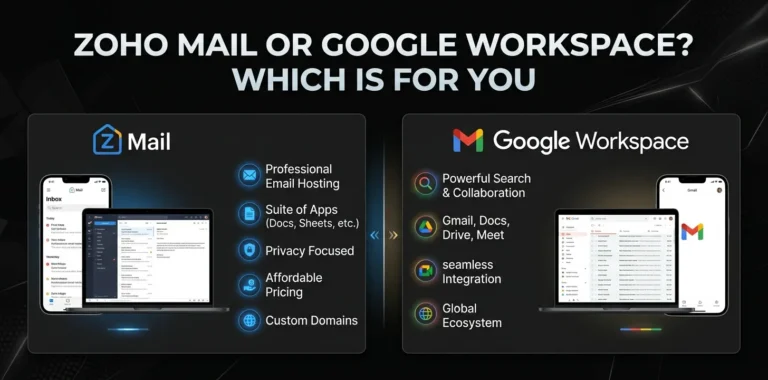
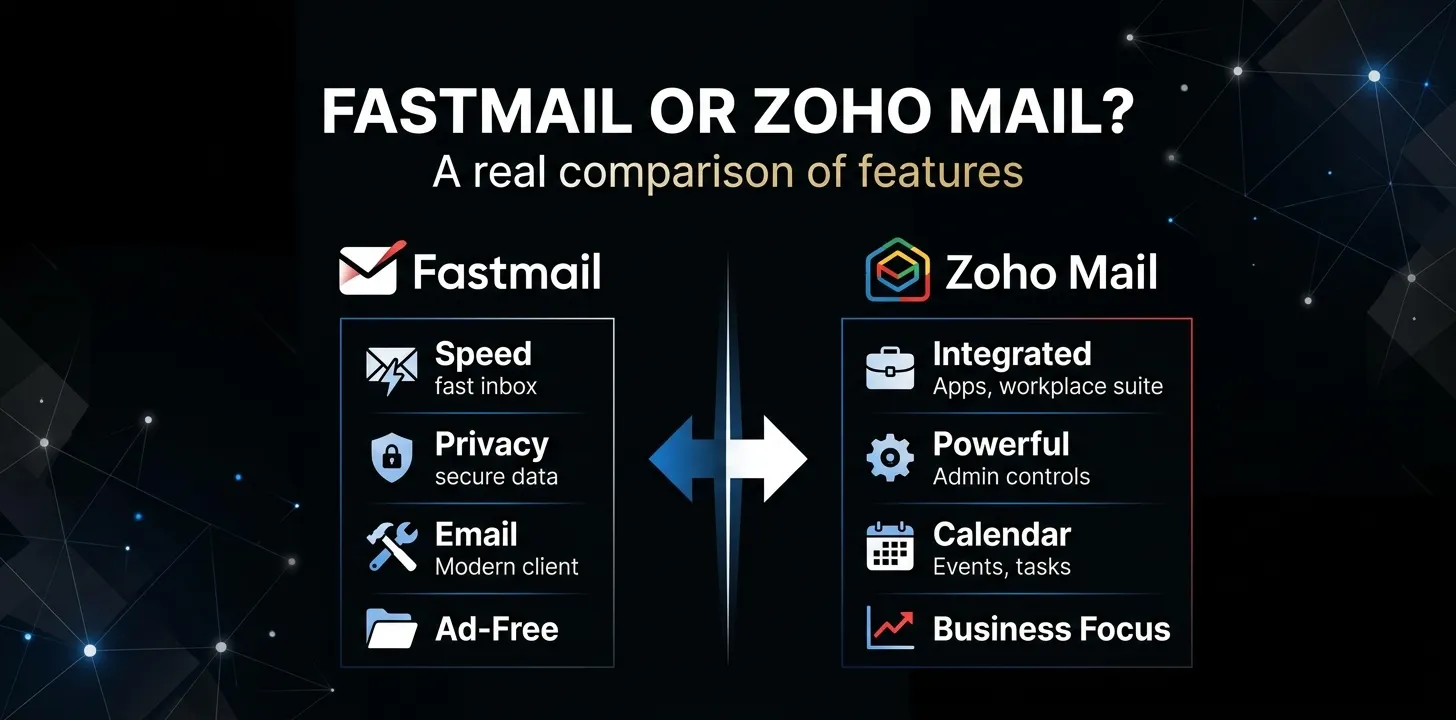
Fastmail and Zoho Mail take very different approaches to email. Fastmail focuses on a polished, private email experience with strong search, calendars, contacts, custom domains, and productivity features. Zoho Mail focuses more on affordable business email, administration, collaboration, and integration with the wider Zoho Workplace suite. The better choice depends on whether email quality or business value matters more to you.
Fastmail vs. Zoho Mail at a glance
| Feature | Fastmail | Zoho Mail |
|---|---|---|
| Main focus | Private, polished email | Business email and productivity |
| Free plan | No | Yes, where available |
| Custom domains | Yes | Yes |
| Calendar | Yes | Yes |
| Contacts | Yes | Yes |
| Masked email | Yes | Not a core equivalent |
| Third-party email apps | Yes on eligible plans | Available on paid plans; free plan has restrictions |
| Business administration | Yes | Strong |
| Collaboration tools | Limited compared with Zoho Workplace | Extensive with Workplace |
| Email retention/eDiscovery | Professional plan | Mail Premium and higher options |
| Office suite | No full office suite | Yes with Zoho Workplace |
| Best for | Individuals and email-focused users | Budget-conscious businesses and teams |
The biggest difference is simple: Fastmail is built around email, while Zoho Mail is built as part of a larger business software ecosystem.
What makes Fastmail different?
Fastmail is designed for people who want email to feel like a dedicated product rather than one feature inside a large office platform.
Its current plans include email, calendars, contacts, file storage, custom addresses, and privacy-focused features. Depending on the plan, you also get Scheduled Send, Snooze, third-party app support, and larger storage limits.
Fastmail’s strongest features
Fast search: Fastmail puts a lot of emphasis on finding messages quickly. This matters if you have years of email and frequently need to locate old conversations.
Masked Email: You can create alternate addresses that hide your main email address. This is useful when signing up for newsletters, online stores, or services you do not fully trust.
Custom domains: You can use an address such as [email protected] instead of a generic email address.
Calendar and contacts: Email, contacts, and calendars are built into the same service rather than requiring a separate productivity platform.
Scheduled Send and Snooze: These features help you control when messages leave your inbox and when you want to deal with them.
Third-party email apps: Eligible Fastmail plans can work with apps such as Outlook and Apple Mail.
Fastmail also states that its service is ad-free and does not use personal email data for advertising.
What makes Zoho Mail different?
Zoho Mail is aimed more directly at businesses and organizations that need professional email without paying for a large platform such as Google Workspace or Microsoft 365.
Its paid plans include features such as custom business email, administration tools, migration support, email groups, retention, eDiscovery, and security controls.
Zoho Mail’s strongest features
Low-cost business email: Zoho offers a free plan in eligible markets, while its paid Mail Lite plan starts at $1 per user per month when billed annually.
Custom business domains: Businesses can create professional addresses for employees and departments.
Admin controls: Administrators get tools for managing users, domains, security, and organizational email.
Zoho Workplace: This is one of Zoho’s biggest advantages. Workplace can bundle Mail with tools such as Writer, Sheet, Show, Cliq, Meeting, WorkDrive, and Vault.
Business security and compliance: Higher-tier plans include features such as email retention, eDiscovery, S/MIME, mobile access management, and data-loss-prevention capabilities.
For a company already using Zoho CRM or other Zoho products, this wider ecosystem can make Zoho Mail more attractive.
Fastmail vs. Zoho Mail: email features
For everyday email, both services cover the basics well.
You can organize messages, create custom addresses, use filters and folders, search your mailbox, and access your account through web and mobile interfaces.
The difference is in the overall experience.
Fastmail puts more attention on the mailbox itself. Features such as fast search, Masked Email, Scheduled Send, Snooze, and a clean interface make it appealing if email is your primary concern.
Zoho gives you more business-oriented controls. It is particularly useful when multiple employees need managed accounts, shared business addresses, groups, administrative controls, and integration with other workplace tools.
Winner for a personal email experience: Fastmail.
Winner for business administration: Zoho Mail.
Fastmail vs. Zoho Mail: custom domains and aliases
Both services support custom domains, so you can use professional addresses with your own domain.
For example, a small business could create:
Fastmail also has Masked Email, which serves a different purpose. Instead of creating a professional business address, you can generate alternate addresses to protect your real email address.
That makes Fastmail particularly interesting for people who frequently sign up for websites and want to reduce exposure of their primary inbox.
Zoho’s strength is more business-oriented. Its email groups and administrative features are designed around organizations rather than individual privacy use cases.
Fastmail vs. Zoho Mail: calendar and productivity
Both providers go beyond basic email.
Fastmail includes calendars and contacts with its email service. Its current plans also include features such as shared calendars, contact management, offline support, Scheduled Send, and Snooze.
Zoho takes productivity much further when you choose a Workplace plan.
Workplace can include:
- Zoho Mail
- Zoho Calendar
- Zoho Writer
- Zoho Sheet
- Zoho Show
- Zoho Cliq
- Zoho Meeting
- Zoho WorkDrive
- Zoho Vault
So the choice depends on what you mean by “productivity.”
If you want email plus a good calendar and contacts system, Fastmail is a strong fit.
If you want email plus a broader office and collaboration suite, Zoho has the clear advantage.
Fastmail vs. Zoho Mail: storage
Storage can make a big difference if you keep large attachments and years of email.
Fastmail’s current individual plan includes 60 GB total storage, divided between mail, calendar, contacts, and files. Its business plans provide 6 GB per user on Basic, 60 GB on Standard, and 150 GB on Professional.
Zoho offers several storage levels. Its current pricing page lists 5 GB or 10 GB per user for Mail Lite, 50 GB for Mail Premium, and 100 GB for Workplace Professional, with additional retention storage on higher plans.
For a light email user, either service can be enough.
For businesses that need large mailboxes and retention features, the higher Zoho and Fastmail plans become more relevant.
Fastmail vs. Zoho Mail: third-party apps
This is an easy detail to overlook.
Fastmail supports third-party email applications such as Outlook and Apple Mail on eligible plans.
Zoho also supports external email clients on paid plans, but its free offering has important restrictions. Current comparison information shows that the free Zoho Mail plan does not provide the same IMAP/POP access available with paid plans.
That means someone who wants to use a desktop email client should check the specific Zoho plan before choosing the free option.
For example, if you want to use Outlook on your computer instead of Zoho’s web interface, do not choose a plan based only on its price. Check whether the required mail protocols are included.
Fastmail vs. Zoho Mail: privacy and security
Both services position themselves as privacy- and security-conscious email providers, but their approaches are different.
Fastmail emphasizes private, ad-free email and says it does not mine users’ personal data for advertising. It also offers features such as Masked Email, encryption in transit, spam controls, and support for security-focused account practices.
Zoho focuses heavily on business security. Its higher plans include features such as S/MIME, retention and eDiscovery, mobile access management, and data-loss-prevention capabilities.
For an individual who mainly wants a private inbox with fewer tracking concerns, Fastmail’s approach may be more appealing.
For a company that needs administrative security and compliance tools, Zoho’s higher business plans offer more depth.
Neither service should be treated as a completely anonymous or end-to-end encrypted mailbox. Regular email remains subject to the technical and legal limitations of email infrastructure.
Fastmail vs. Zoho Mail: pricing and value
Pricing is one of the biggest differences between the two.
Fastmail does not offer a permanent free plan, although its plans can be tried before paying. Its current individual offering includes 60 GB of storage, while business plans start with a lower-storage Basic tier and increase through Standard and Professional.
Zoho has a much lower entry point. Its current pricing lists Mail Lite from $1 per user per month when billed annually, Mail Premium at $4 per user per month, Workplace Standard at $3 per user per month, and Workplace Professional at $6 per user per month when billed annually.
| What you care about | Better choice |
|---|---|
| Lowest possible cost | Zoho Mail |
| Free starting option | Zoho Mail |
| Premium personal email experience | Fastmail |
| More storage at higher business tiers | Depends on plan |
| Email + office applications | Zoho Mail |
| Paying specifically for email quality | Fastmail |
Prices can change, and Zoho’s available plans may vary by region, so check the current plan before purchasing.
Which is better for personal email?
For personal email, Fastmail is usually the more natural choice.
Its product is centered around the individual user. You get a private inbox, calendar, contacts, custom addresses, Masked Email, strong search, and productivity features without needing to buy a larger business suite.
Zoho can still make sense if price is your main concern or you want to use its wider ecosystem.
For example, someone who wants a cheap custom-domain mailbox and does not care much about premium email features may find Zoho’s pricing hard to ignore.
Which is better for a small business?
For many small businesses, Zoho Mail offers better value.
Its business plans are inexpensive, and Zoho gives administrators tools for managing users and domains. You can also move into Workplace if your company needs documents, spreadsheets, meetings, chat, and file storage.
Fastmail can still be the better choice for a small business that mainly needs reliable professional email and does not need a full office suite.
For a five-person company that already has separate tools for documents, meetings, and file storage, paying for a focused email service may be perfectly reasonable.
Which is better for a larger organization?
The answer leans toward Zoho Mail, especially when administration and collaboration matter.
Zoho provides features aimed at organizational management, including user administration, retention, eDiscovery, security controls, and access management on higher plans.
Fastmail’s Professional business plan also adds email retention for legal compliance, along with higher storage and the core Fastmail email experience.
If your company has strict compliance requirements, however, you should evaluate the exact plan and your organization’s legal and security requirements rather than choosing based on price alone.
Fastmail or Zoho Mail: which one should you choose?
Choose Fastmail if:
- You mainly want excellent email.
- Privacy and an ad-free experience matter to you.
- You want Masked Email.
- You care about search and inbox organization.
- You want email, calendar, and contacts in one focused service.
- You are comfortable paying for email.
Choose Zoho Mail if:
- Price is a major factor.
- You want a free starting option.
- You need business email for several users.
- You want strong administrator controls.
- You already use Zoho products.
- You want email combined with office and collaboration tools.
The decision becomes much easier when you ignore the feature-count race and ask what you actually need from your email provider.
Two real-world examples
Imagine a freelance designer who wants a professional address, a clean inbox, a calendar, and a way to create temporary email addresses when signing up for websites.
Fastmail would be the better fit. The freelancer is paying for a focused email service and gets features that directly improve everyday email management.
Now consider a 15-person company that wants business email, document editing, team communication, online meetings, and shared file storage.
Zoho would make more sense. The company can use Zoho Mail as part of Workplace instead of purchasing separate services for every task.
Frequently asked questions
Is Fastmail better than Zoho Mail for privacy?
Fastmail is a strong choice for people who prioritize private, ad-free email and features such as Masked Email. Zoho also emphasizes security and privacy, but its major advantage is the broader set of business administration and compliance features available on paid plans.
Is Zoho Mail really cheaper than Fastmail?
Yes, Zoho has a much lower entry price and offers a free plan in eligible markets, while Fastmail is a paid service after its trial period. Zoho’s paid Mail Lite plan currently starts at $1 per user per month when billed annually, while Fastmail’s pricing depends on whether you choose an individual or business plan.
Which is better for a custom business email?
Both can handle custom-domain email well. Zoho is generally more attractive when you need inexpensive business accounts and administration, while Fastmail is a better fit when you want a polished email-first experience and do not need a full office suite.
The bottom line
Fastmail is the better email product; Zoho Mail is the stronger business-value platform. Fastmail makes more sense when the inbox itself is your priority. Zoho makes more sense when you want inexpensive business email connected to a wider set of workplace tools.
If you’re choosing for yourself, start with Fastmail’s email experience and privacy features. If you’re choosing for a team, compare the total cost of Zoho Workplace against the other software your business already pays for.