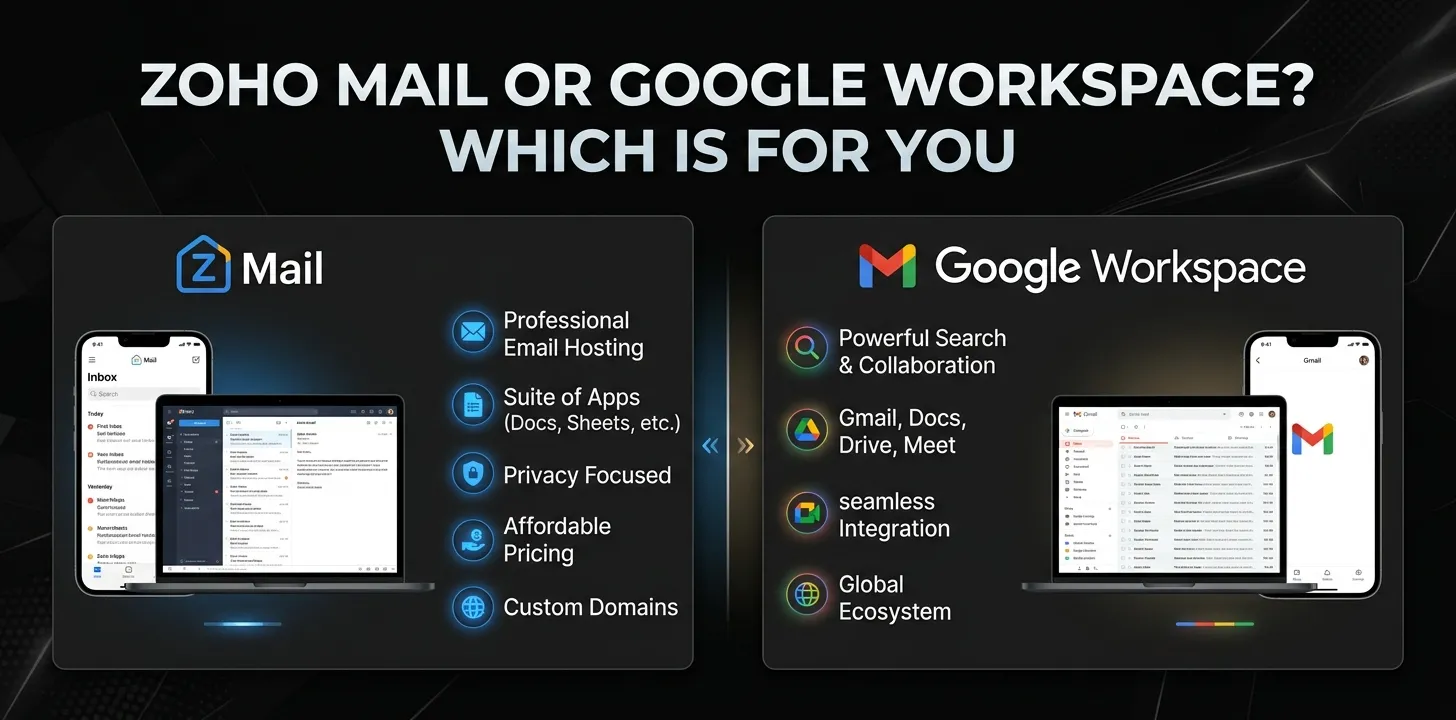
Zoho Mail or Google Workspace? Which is for you

If you mainly need affordable custom business email, Zoho Mail is usually the better value. If you want email plus a complete productivity suite with Gmail, Google Drive, Docs, Meet, Calendar, and strong third-party integrations, Google Workspace is the stronger choice. The right option depends on whether email cost or broader collaboration matters more to your business.
Choosing between Zoho Mail and Google Workspace can be confusing because they overlap in some areas but are built around different priorities.
Zoho Mail focuses heavily on business email and offers it as part of the wider Zoho Workplace ecosystem. Google Workspace starts with Gmail but adds a large collection of productivity and collaboration tools.
For a small business, freelancer, startup, or growing team, the cheapest option is not always the best option. The better choice depends on how your team works every day.
Zoho Mail vs Google Workspace at a glance
| Category | Zoho Mail / Workplace | Google Workspace |
|---|---|---|
| Main strength | Business email and value | Complete productivity ecosystem |
| Custom email | Yes | Yes |
| Business email app | Zoho Mail | Gmail |
| Cloud storage | Depends on plan | 30 GB pooled storage per user on Starter; 2 TB on Standard |
| Documents | Zoho Office Suite | Google Docs, Sheets, Slides |
| Video meetings | Zoho Meeting | Google Meet |
| Team chat | Zoho Cliq | Google Chat |
| Calendar | Yes | Yes |
| Free custom-email option | Zoho Mail Free, with limitations | No equivalent standard business plan |
| Third-party ecosystem | Good | Excellent |
| Best for | Budget-conscious businesses | Teams heavily using Google tools |
Google’s current Workspace plans include custom business email, Gmail, Drive, Meet, Chat, Calendar, Docs, Sheets, and Slides, with features and storage increasing at higher tiers.
Zoho’s Workplace plans combine Zoho Mail with tools such as WorkDrive, Cliq, Calendar, ToDo, and its office applications. Zoho also allows organizations to mix Mail-only and Workplace plans in some cases.
The biggest difference between Zoho Mail and Google Workspace
The simplest way to understand the comparison is this:
Zoho is especially attractive when business email is your priority. Google Workspace is especially attractive when your business needs a complete cloud productivity environment.
Both can provide a professional address such as [email protected].
The difference becomes clearer after you look beyond email.
With Zoho, you can build around Zoho Mail and add other Zoho applications as your business needs them. With Google Workspace, Gmail is part of a tightly connected ecosystem where email, documents, storage, meetings, calendars, and collaboration work together.
That distinction can make a big difference to your daily workflow.
Zoho Mail pricing vs Google Workspace pricing
Pricing changes over time, so it is worth checking the current plans before subscribing.
At the time of this comparison, Zoho lists Workplace Standard at $3 per user per month when billed annually, while Workplace Professional is $6 per user per month when billed annually. Zoho also lists Mail-only plans starting at $1 per user per month on annual billing, depending on the storage tier.
Google Workspace currently lists Business Starter at $7 per user per month on its standard annual-commitment pricing, Business Standard at $14, and Business Plus at $22. Google may offer promotional discounts, so promotional pricing should not be confused with the standard price.
| Service | Starting plan discussed here | Higher plan example |
|---|---|---|
| Zoho Mail | From $1/user/month annually | Mail Premium $4/user/month annually |
| Zoho Workplace | $3/user/month annually | Professional $6/user/month annually |
| Google Workspace | $7/user/month | Standard $14/user/month |
These prices are not a perfect apples-to-apples comparison because the plans include different combinations of applications and storage.
For example, Zoho Workplace Standard includes 30 GB of mail storage per user plus team file storage, while Google Workspace Business Starter includes 30 GB of pooled storage per user across Google’s services.
Which one gives you better email?
If email is the main reason you’re buying the service, Zoho Mail deserves serious consideration.
Zoho provides custom business email, email groups, sharing features, migration tools, mobile and desktop applications, and higher-tier features such as retention, eDiscovery, and S/MIME.
Google Workspace gives you Gmail for business, including custom-domain email, spam and malware protection, advanced email controls, and integrations with the rest of Google’s ecosystem. Google also provides features such as email routing and additional administrative controls for business accounts.
The practical difference is the surrounding ecosystem.
If your employees already live in Gmail, Google Workspace will feel very natural. If you want professional email without paying primarily for a large productivity ecosystem, Zoho can make more financial sense.
Google Workspace is stronger for collaboration
Google Workspace has a major advantage when your team regularly works together on documents, spreadsheets, presentations, meetings, and shared files.
A typical workflow might look like this:
A customer emails your team through Gmail. Your employee opens a Google Doc, shares it with a coworker, discusses it through Chat, schedules a Meet call, and stores the finished file in Drive.
These services are designed to work together.
Zoho offers a similar ecosystem through Workplace, including Mail, WorkDrive, Cliq, Meeting, Calendar, and office productivity tools.
So Zoho is not simply “email only.” The more useful question is which ecosystem fits your team’s existing habits.
Zoho can be the better choice for a small business
Consider a hypothetical five-person business that mainly needs:
- Custom email addresses
- Calendars
- Basic file storage
- Team communication
- Occasional document editing
- A low monthly software bill
That business may have little reason to pay for a more expensive productivity ecosystem.
Zoho Workplace can provide many of these tools at a comparatively low per-user cost. Zoho also offers a free Mail plan for up to five users with 5 GB of mail storage per user, although the free option has important limitations such as no IMAP, POP, or ActiveSync.
For a company that primarily wants professional email, that can be a meaningful advantage.
Google Workspace can be worth paying more for
Now consider a different hypothetical company.
It has 15 employees who constantly share spreadsheets, collaborate on documents, hold video meetings, organize files, and use Google services throughout the day.
For that company, Google Workspace’s higher cost may be easier to justify.
The value isn’t just Gmail. The company is paying for a connected set of productivity tools and a familiar workflow.
Google Workspace Business Standard currently includes 2 TB of pooled storage per user, Google Meet features such as recording and larger meetings, plus additional AI capabilities compared with Starter.
If your team depends heavily on those features, switching to a cheaper email provider may save money while creating more friction elsewhere.
Storage is an important difference
Storage can change the value calculation quickly.
Google Workspace uses pooled storage across the organization. Business Starter provides 30 GB per user, Business Standard provides 2 TB per user, and Business Plus provides 5 TB per user under Google’s current business plans.
Zoho separates mail storage and WorkDrive storage depending on the plan. Workplace Standard includes 30 GB of mail storage per user and team storage, while Workplace Professional increases mail storage to 100 GB per user and provides substantially more team storage.
This means you should not compare storage numbers without checking what the storage is actually used for.
A business storing thousands of large design files will have different needs from a business that mostly exchanges emails and small documents.
Which has better third-party integrations?
Google Workspace generally has the advantage here.
Google’s products are widely supported by business software, automation platforms, CRM systems, scheduling tools, analytics products, and other online services.
This matters more as a company grows.
If your business uses many external applications, check whether each service has a direct integration with Zoho, Google Workspace, or both.
Do not choose based only on the number of integrations listed on a website. The important question is whether the specific tools your company already uses work well with the platform.
What about security?
Both platforms provide business-focused security and administration features, but the exact capabilities depend on the plan you choose.
Google Workspace provides spam and virus protection across its business Gmail plans, along with administrative policies and additional security features on higher tiers. Business Plus and Enterprise plans add capabilities such as Vault, while Enterprise plans offer more advanced security controls.
Zoho also offers business security and administration features, with higher Mail and Workplace tiers adding capabilities such as email retention, eDiscovery, S/MIME, mobile access management, and data-loss-prevention features.
For a small company, the most expensive security plan may be unnecessary. For a regulated or larger organization, plan-level security differences become much more important.
Which is easier to use?
This depends heavily on what your team already knows.
If employees have used Gmail, Google Drive, Docs, and Google Calendar for years, Google Workspace will probably require less adjustment.
Zoho is also designed as an integrated business suite, but its interface and workflow are different.
A useful test is to ask your team:
“Which system would require fewer changes to the way we work today?”
That question is often more useful than comparing feature lists.
Zoho Mail or Google Workspace for freelancers?
For a freelancer who mainly wants a professional email address, Zoho Mail is often the more cost-conscious choice.
You may not need a large collection of collaboration tools if you’re working alone.
For example, a freelance web designer might mainly need:
[email protected]- A calendar
- Reliable email
- Basic file storage
- Occasional document sharing
Paying for a full productivity ecosystem may not provide enough additional value to justify the higher monthly cost.
However, if you already rely heavily on Google Docs, Drive, Meet, and Gmail, Google Workspace can still be the more convenient choice.
Zoho Mail or Google Workspace for small businesses?
For a small business, the decision is closer.
Choose Zoho when keeping software costs low is a major priority and you want business email plus a capable productivity suite.
Choose Google Workspace when your team already relies on Google’s tools or needs strong collaboration across Gmail, Drive, Docs, Sheets, and Meet.
A five-person business and a 50-person business can make completely different decisions even if both technically need “business email.”
Zoho Mail or Google Workspace for larger teams?
As the organization grows, administration, security, storage, compliance, integrations, and employee workflows become more important.
Google Workspace has higher business and enterprise tiers with advanced security, administration, compliance, storage, and collaboration capabilities. Its Enterprise plans add features such as DLP, S/MIME on Enterprise Plus, advanced endpoint management, and other controls.
Zoho also offers Workplace Enterprise for organizations that need custom plans, higher limits, additional administration, identity management, and other enterprise capabilities.
For larger organizations, don’t make the decision based on email price alone. Migration, administration, security requirements, employee productivity, and integrations can easily outweigh the subscription difference.
Which should you choose?
| If this sounds like you | Better fit |
|---|---|
| I mainly need affordable business email | Zoho Mail |
| I want the lowest possible business-email cost | Zoho Mail |
| I want email plus a low-cost productivity suite | Zoho Workplace |
| My team lives in Gmail | Google Workspace |
| We use Google Docs and Drive every day | Google Workspace |
| We need extensive third-party integrations | Google Workspace |
| We want a broad enterprise productivity ecosystem | Google Workspace |
| We already use many Zoho products | Zoho Workplace |
| I’m a freelancer with simple email needs | Zoho Mail |
| I’m building a collaborative team around Google tools | Google Workspace |
Frequently asked questions
Is Zoho Mail cheaper than Google Workspace?
Yes, Zoho generally offers lower-cost email and Workplace plans than Google Workspace’s business plans. The exact value depends on whether you need only email or a complete productivity suite, so compare the features included in the specific plans you would actually use.
Can Zoho Mail replace Google Workspace?
For some businesses, yes. Zoho Workplace includes email, file storage, collaboration, office productivity, communication, and meeting tools, so it can cover many common business needs. However, businesses heavily dependent on Gmail, Google Docs, Drive, or Google’s wider ecosystem may find Workspace a better fit.
Which is better for a small business, Zoho or Google Workspace?
Zoho is often the better choice for a small business focused on keeping software costs down. Google Workspace is usually more appealing when employees already use Google’s productivity tools and need seamless collaboration across Gmail, Drive, Docs, Sheets, and Meet.
Zoho Mail or Google Workspace: the final decision
There isn’t one universal winner.
Choose Zoho Mail if your priority is professional email at a lower cost, especially if you don’t need Google’s ecosystem. Zoho becomes even more interesting when you want to expand into a broader business suite without moving to a higher-priced platform.
Choose Google Workspace if your business depends on Gmail, Google Drive, Docs, Sheets, Meet, Calendar, and a large third-party ecosystem. The extra cost can be worthwhile when those tools are central to your team’s daily work.
Before buying, list the five tools your business uses most. If most of them are already Google products, Google Workspace is the natural fit. If email is the main requirement and budget matters more, start with Zoho.